

#A free Markdown editor
Styled as you type.
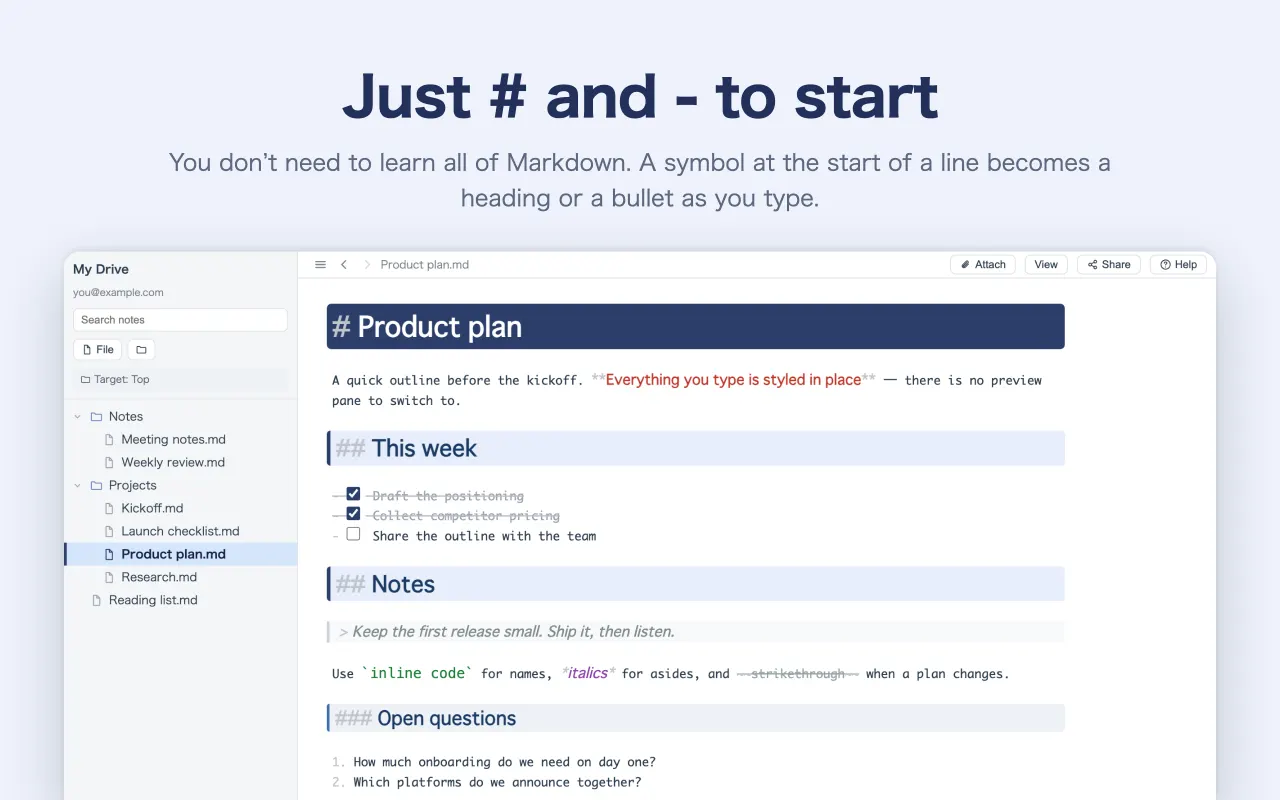
You don’t need to learn all of Markdown. #, - and / alone already make notes far easier to read than a plain notes app. Where you write and what you get are the same place — nothing to switch between, so your train of thought stays intact.
Free / no ads / Google account optional
保存されません。書いたものはこの画面を離れると消えます。
Nothing to switch
There is no editor/preview toggle to reach for, because there is no second pane. Like a WYSIWYG editor, you edit the finished thing directly.
Nothing to tidy up
No pass over the document afterwards to fix how it looks. The marks are the formatting.
Little to learn
#, - and / will carry most of what you write; the rest of Markdown you can leave alone.
##Features
Write the note, and it comes out organised.
## Looks
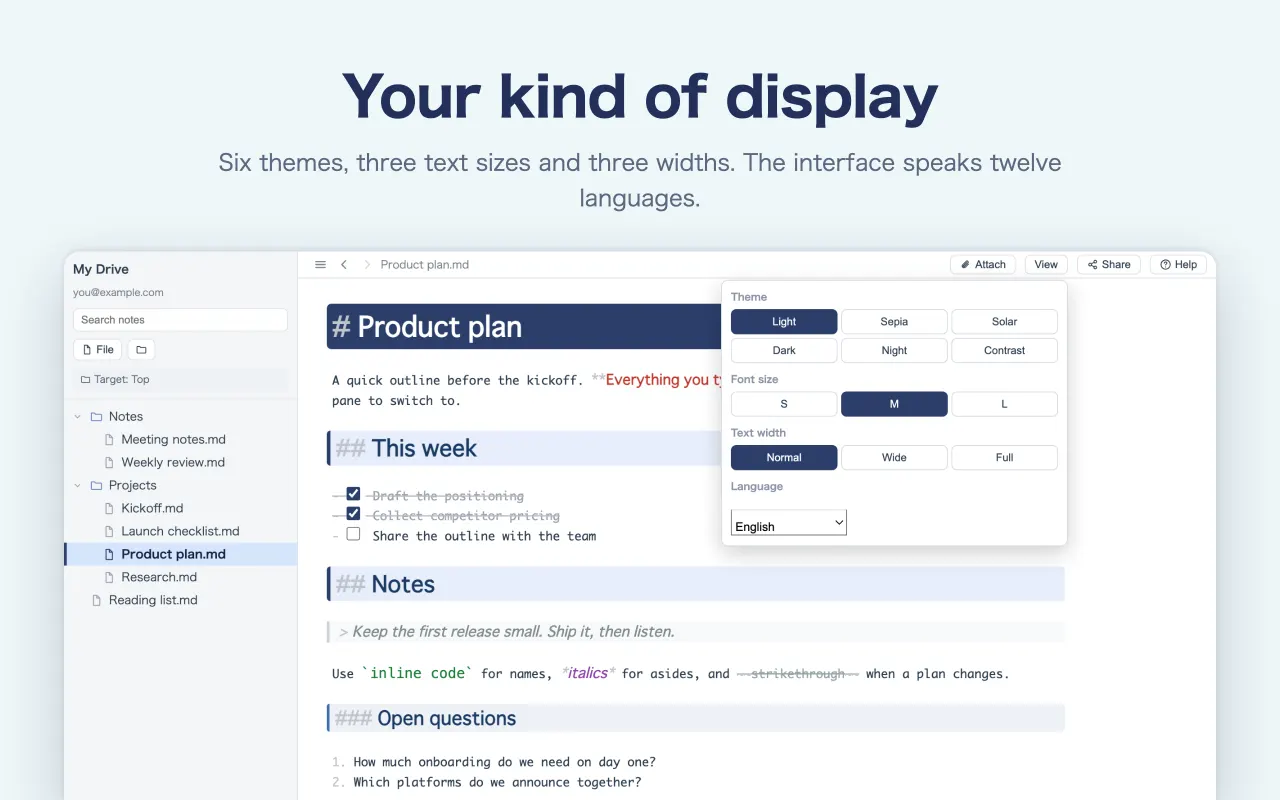
You never choose how it looks.
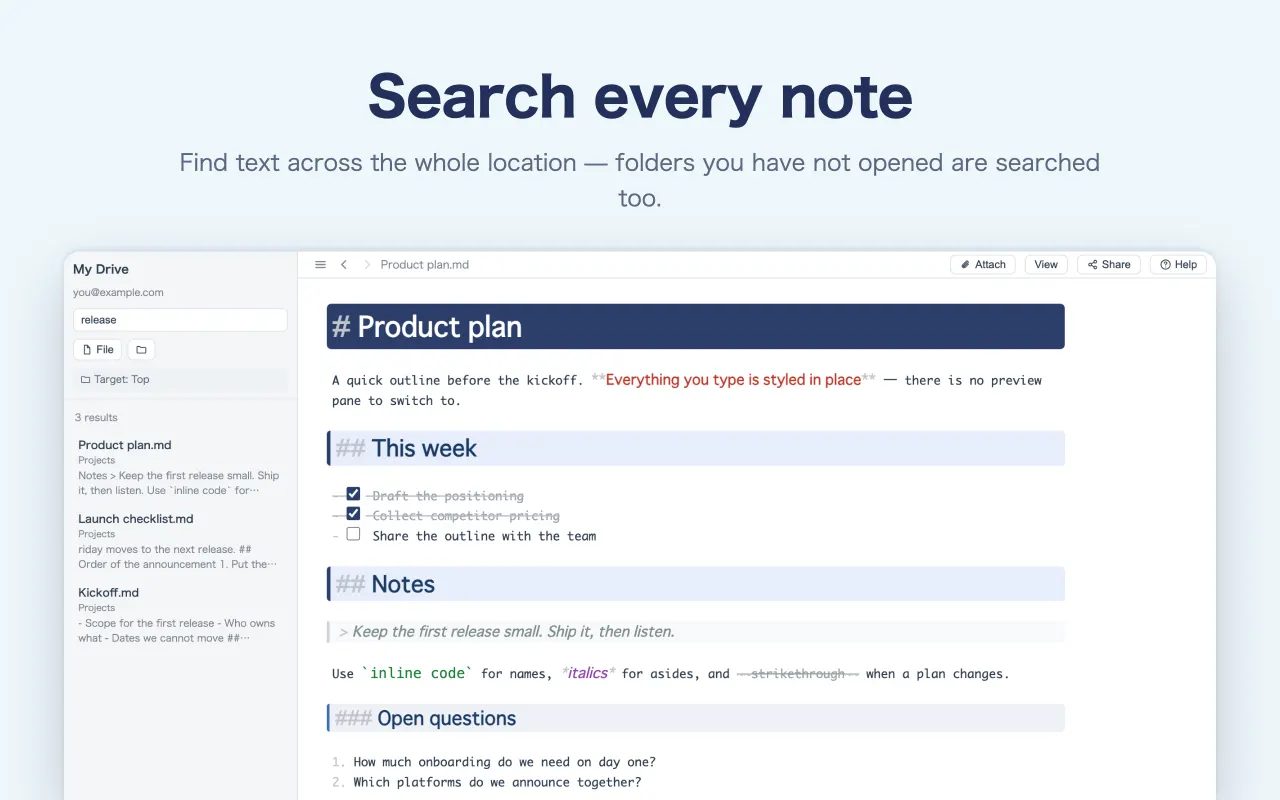
The number of # decides the colour and size. Using H1 and H2 is all it takes for the structure to be visible at a glance. There is no font to pick, no spacing to set.
-
#is a solid band,##a pale one — depth reads as colour - Nested bullets change colour per level, so a group of sub-tasks stands out
- The tidying-up pass simply never happens
## Typing
Press “/” and the tools appear.
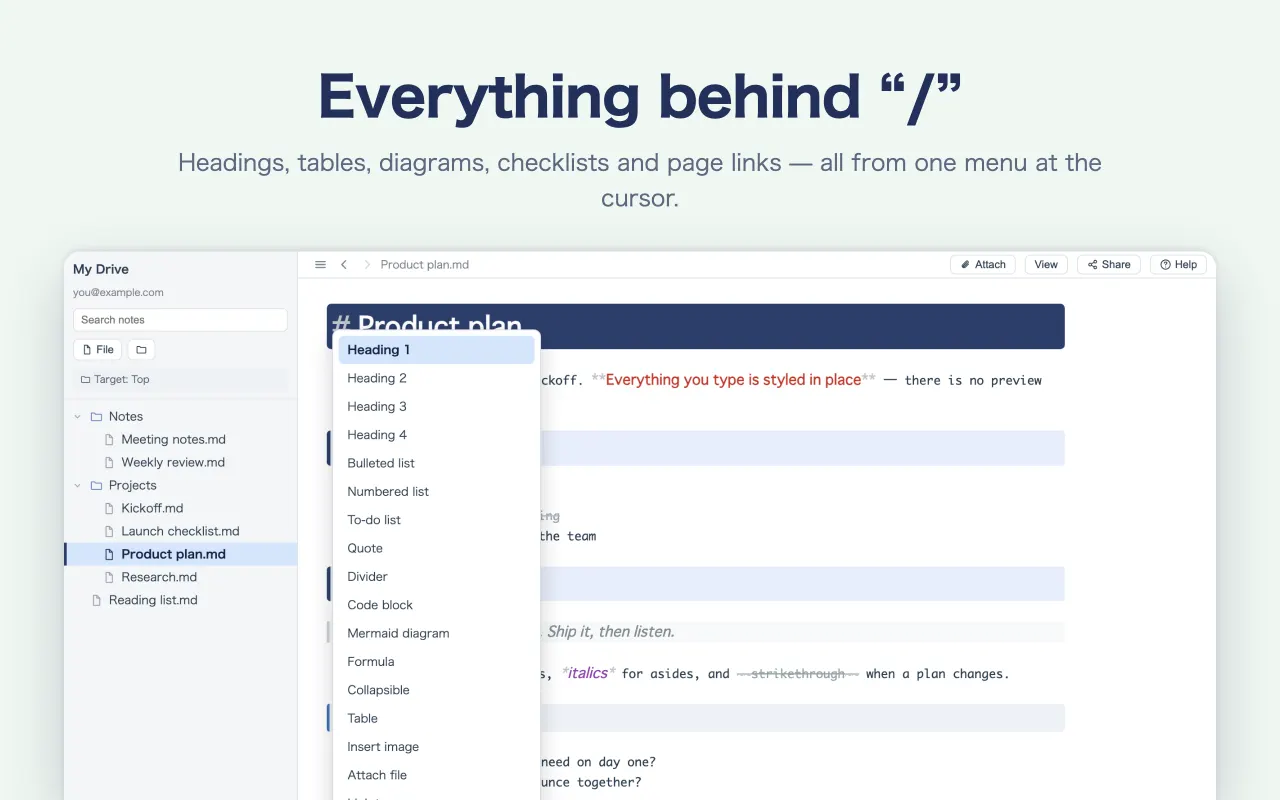
Type / at the start of a line for tables, links, folds, formulas and diagrams. You do not need to remember the syntax — pick it from the list.
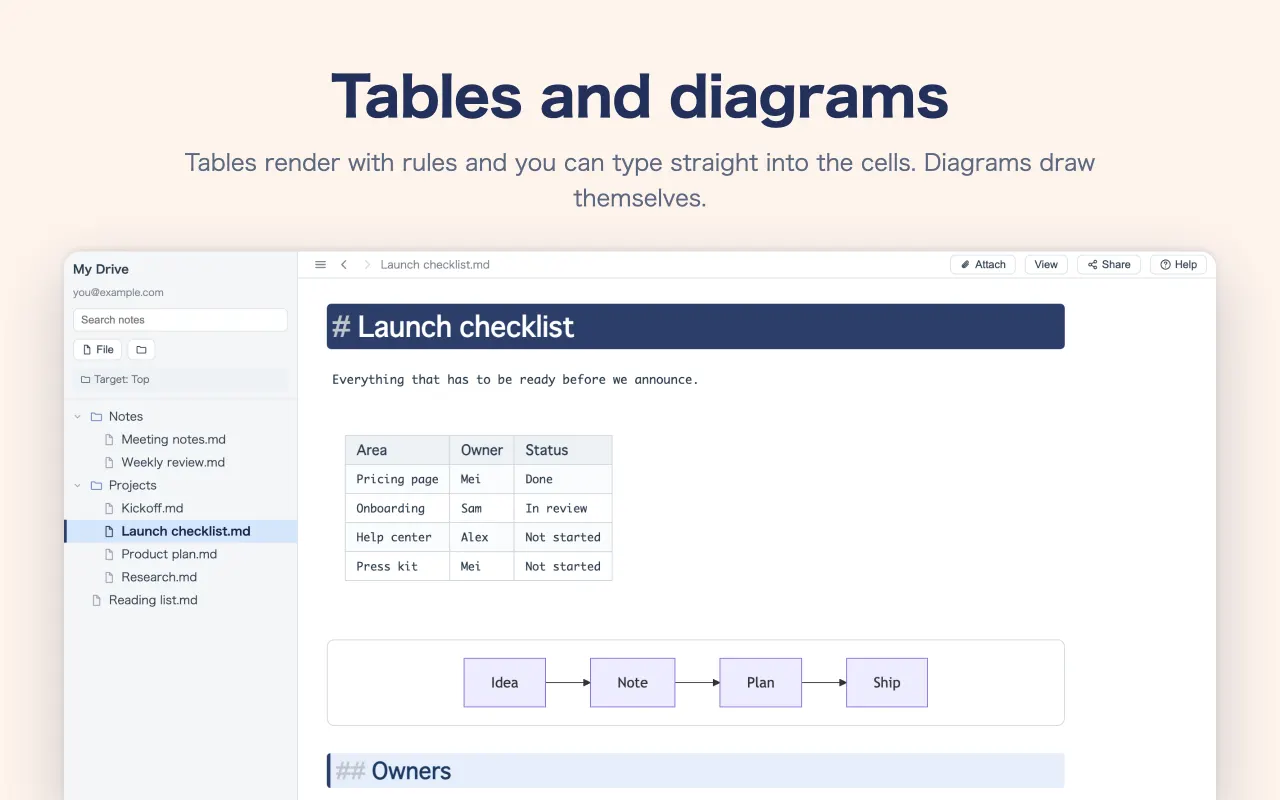
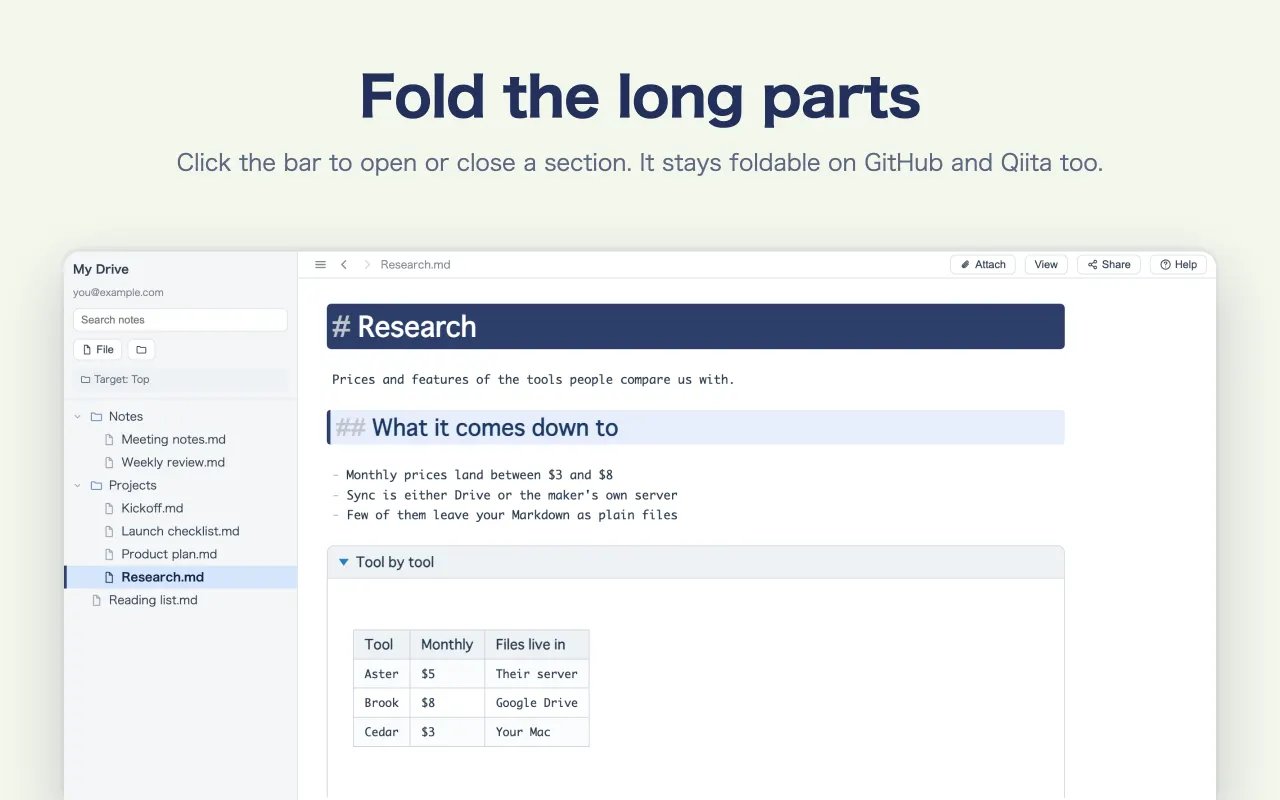
- Tables, checklists, folds, code, diagrams (mermaid)
- Links between pages too — just pick the file there and then
- What you keep typing narrows the list, so your hands never stop
## Tables
A table stays a table while you edit it.
Click a cell and type. No counting pipes. Rows and columns come from the + that appears when you hover the table.
- Enter commits, Tab moves to the next cell, Esc cancels
- Add and remove rows and columns from buttons — no re-aligning afterwards
- Shift+Enter breaks a line inside a cell
## Files
What you get is a plain .md file.
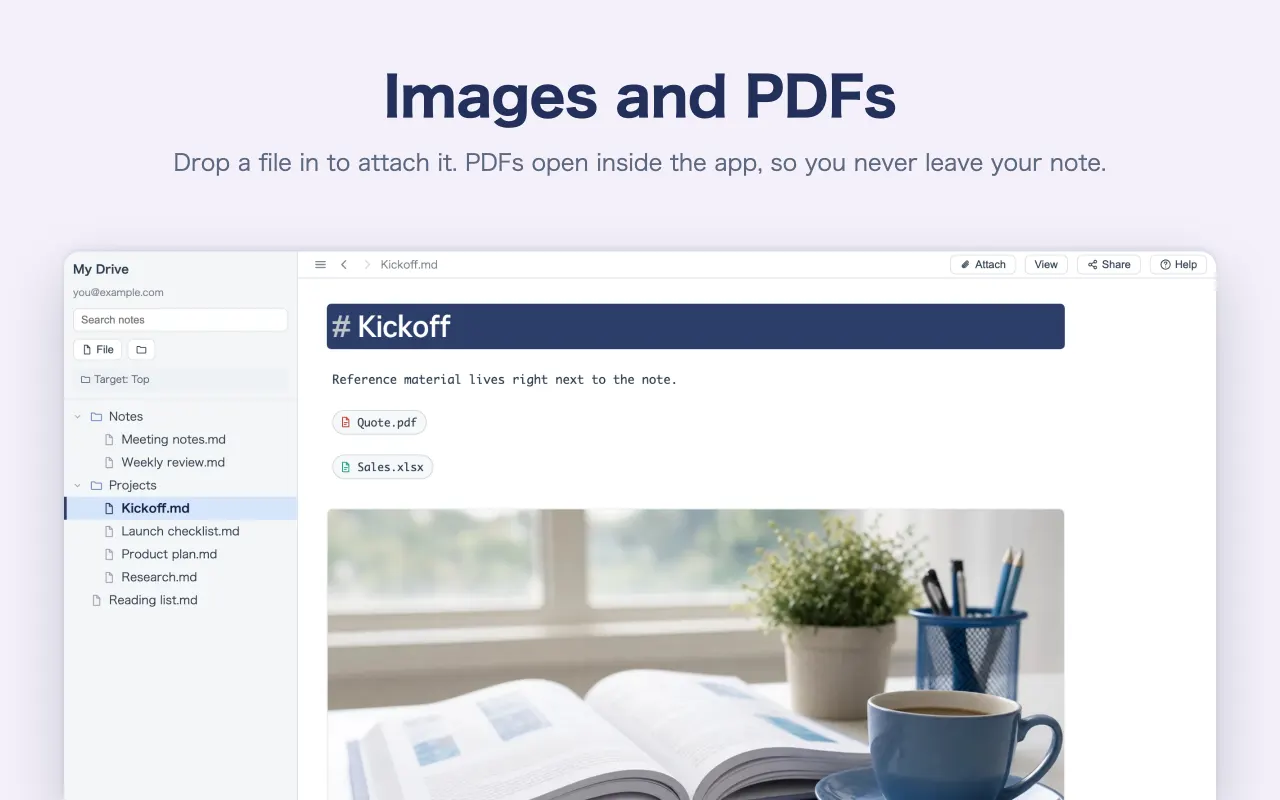
Nothing proprietary. What you write sits in your Google Drive as Markdown.
- Paste it into a GitHub README, or any site that takes Markdown, unchanged
- Markdown from ChatGPT or Claude reads as a finished document the moment you open it
- If you stop using this app, the files are still yours
## Everywhere
Pick up where you left off, on anything.
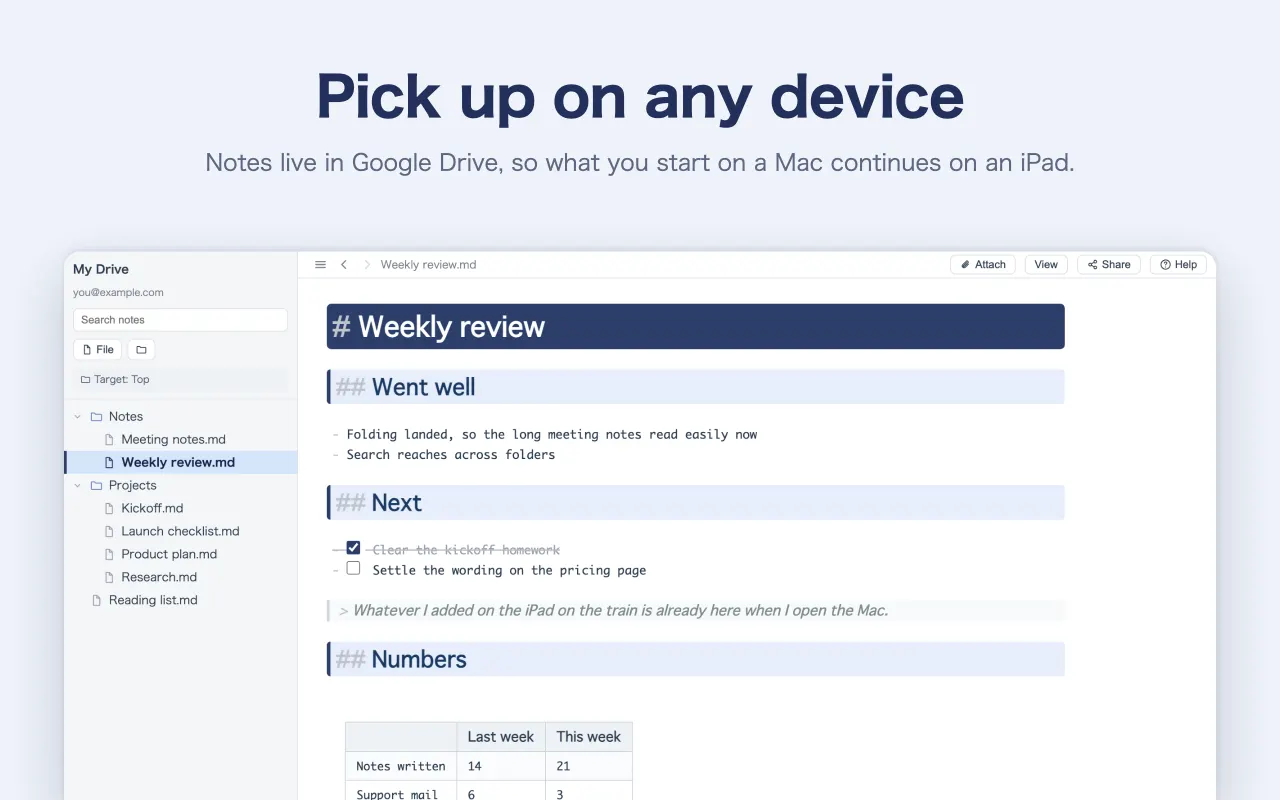
Notes live in your own Google Drive folder. Start on the Mac, carry on from the iPhone while you travel.
- Windows / Mac / iPad / iPhone / browser — notes made here open from any of them
- There is no Save button. It saves as you write
- They live in your Drive. Nothing is kept on our servers
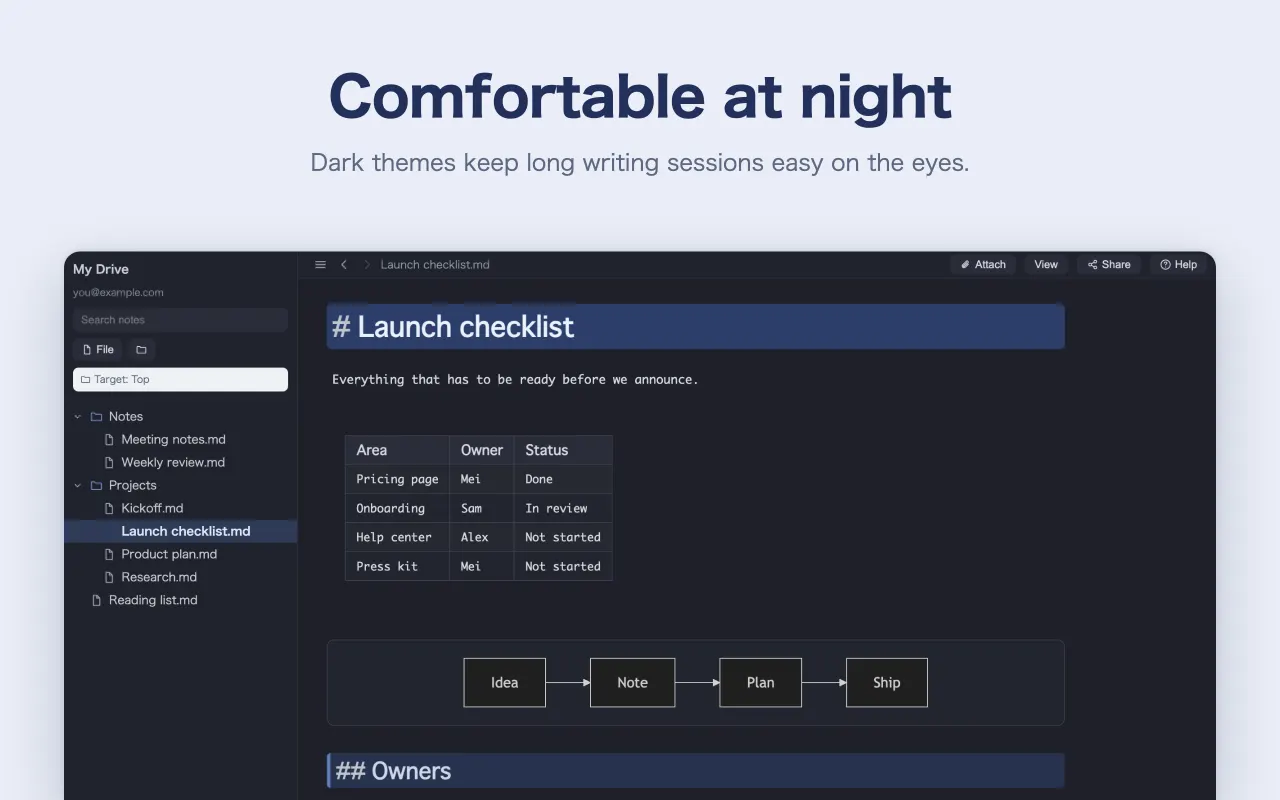
See it in action.
The very screens from the App Store listing. Swipe through to see how it writes and what it can do.
##Questions people ask
- Is it really free?
- Yes. No charge and no ads. Notes are saved to your own Google Drive, so there is no storage for us to pay for, which is what makes it possible.
- Can I use it without knowing Markdown?
- Yes. Press
/and the tools appear, so tables and checklists go in without knowing the syntax. When you want to learn it, “What is Markdown?” has the whole set. - Can anyone see what I write?
- No. It is saved to your own Google Drive, and this app is only allowed the files it created and the ones you hand it through “Open with” — it cannot look around your Drive.
- Can I open Markdown written in another app?
- Yes, one file at a time, when you hand it over. The list inside the app shows only notes made here. For a
.mdfrom elsewhere, right-click it in Google Drive and choose Monoshiri under “Open with”. On the Mac, Finder’s “Open With” works too. - Can I read a note from the Mac on my iPhone?
- Yes. Notes made here live in Drive, so the same one opens on Windows, Mac, iPad, iPhone and the browser. Read it back on the train and carry on writing.

Write one line and see.
Nothing to install — try it straight from the browser. Sign in with Google and the notes are created in your own Drive.
Free / no ads